
In This Article
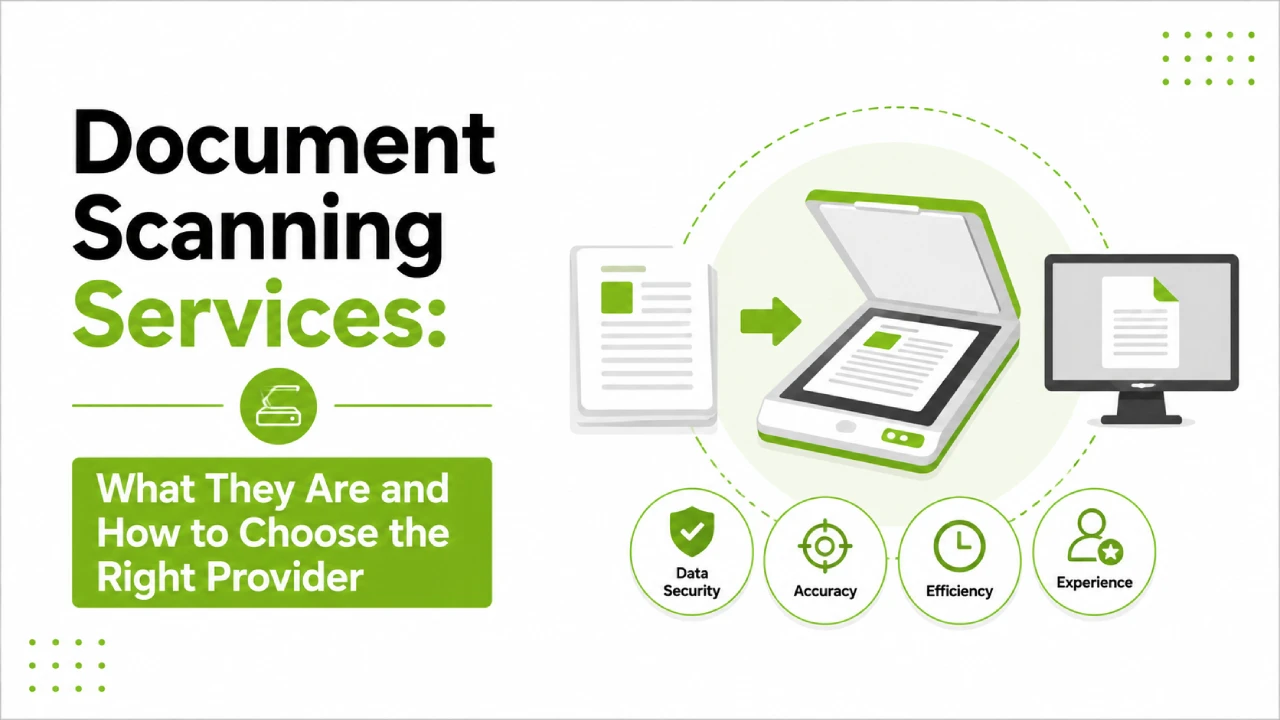
Paper doesn’t go away on its own. Most businesses reach a point where years of physical records, contracts, invoices, client files, or archive boxes are sitting somewhere taking up space, creating risk, and making information genuinely hard to find. Document scanning services exist to fix that. But “scanning” means different things to different providers, and the difference between a basic scan job and a properly managed digitisation project is significant. Here’s what to actually look for.
What Document Scanning Services Actually Cover
Most people’s mental picture of document scanning is someone running paper through a machine and producing a PDF. That does happen, and for some purposes it’s enough. But it’s worth understanding how limited that version is before assuming it covers what your business actually needs.
A flat image scan gives you a file that looks like your document. You can read it on screen, print it, email it. What you can’t do is search it, extract data from it, or integrate it into any system that needs to process the content. It’s a photograph of a page, not a usable digital record.
OCR processing is what changes that. Optical Character Recognition reads the content of the scanned image and converts it into actual text that can be searched and worked with. From there, depending on the provider, you can get indexing against specific data fields, consistent file naming, database linkage, and quality checking before anything reaches you. Stellar Data Entry covers that full range, not just the scan itself.
The Main Types of Document Scanning Work
The type of material involved shapes everything about how a scanning project needs to run.
General Business Document Scanning
Invoices, correspondence, HR files, contracts, financial records – the accumulated paper of a functioning business. Volume tends to be the main practical challenge. Getting through boxes of mixed documents accurately, at a pace that doesn’t take months, requires more capacity than most internal teams have available, particularly when it’s not their primary job.
Legal and Compliance Document Scanning
This category comes with requirements that go beyond standard office paperwork. Legal files, regulatory submissions, and audit records need careful handling in terms of both accuracy and custody. A provider working in this space should be able to walk you through their chain-of-custody process, not just claim they handle it. Output formats and classification standards also tend to be more specific in legal and regulated environments, so sector experience matters here.
Medical Records Scanning
Healthcare documentation sits at a higher sensitivity level and is subject to data regulations that don’t apply in most other sectors. Finding a scanning partner who’s actually worked with patient records before, rather than one who says they can handle anything, tends to produce better outcomes. The confidentiality framework, access controls, and compliance alignment need to be established before any files change hands.
Archive and Historical Document Scanning
Old records, bound ledgers, fragile or oversized documents need careful physical handling alongside the technical work. Scanning a brittle archive document badly can cause damage that can’t be undone, so experience with the material type really does matter here, more than it might in a standard office scanning project. Not every provider is equipped to handle fragile or unusual formats safely.
Large Format Scanning
Engineering drawings, architectural plans, maps. Standard equipment isn’t built for these. If this is part of your project, check early that the provider has the right scanners for the size range involved, because many don’t, and finding that out after you’ve committed is an avoidable problem.
When Does a Business Actually Need These Services?
A few situations come up more than others when businesses decide to bring in a scanning service.
Office moves and space consolidation are a common trigger. When a business is relocating or reducing its footprint, the filing cabinets and archive storage that have built up over years suddenly become a practical problem. Digitising before the move is almost always less disruptive than moving the paper and dealing with it on the other end.
Regulatory and compliance requirements push a lot of businesses toward digitisation too. Getting paper archives into a proper document management system tends to make compliance considerably more manageable than trying to maintain physical records across multiple locations.
And then there are the quieter day-to-day reasons that don’t feel like a crisis until they start adding up. Staff spending real time searching for documents. Records stored across different physical sites with no central way to find them. No meaningful backup if something gets lost or damaged. A business that’s had to reconstruct a contract from memory, or spent an afternoon hunting for a file that was in a box in storage somewhere, has a fairly clear case for getting the paper under control.
What Actually Separates a Good Provider from a Basic One
This is where it’s worth slowing down, because the difference in price between providers can look like it reflects turnaround time or volume capacity when it actually reflects what you’re getting back.
The output question is the one that tends to get skipped in initial conversations. A provider who asks upfront what you actually need to do with these files, whether they need to go into a document management system, be searchable by specific fields, integrate with existing software, or just be stored as organised PDFs, is building a solution. One who doesn’t ask is assuming, and those assumptions have a way of surfacing after the project is finished.
Quality control is where the real gap between providers tends to show up most clearly. OCR is not infallible. It misreads characters, particularly in documents with unusual fonts, physical damage, or handwriting. A provider who runs a proper QA process against the source material will catch those errors before delivery. One without that process delivers a file and considers the job done. Asking specifically what the QA workflow looks like, not just what their accuracy figure is, tells you which kind you’re dealing with.
Security during the project is worth pressing on too. Your physical documents are off-site while the work happens. Where exactly are they stored? Who in the organisation has access? And when scanning is complete, what happens to the originals? These aren’t unusual questions, and a provider who gets evasive about any of them is worth treating as a signal.
Before You Request a Quote, Cover These Points
Going into a provider conversation with a few basics sorted will get you a much more useful quote and cuts down on back-and-forth significantly.
Volume first. A rough page count, or a description of how many filing drawers, boxes or folders are involved, gives providers something concrete to price against. If you can’t estimate precisely, “three archive boxes and twelve filing cabinet drawers” is far more useful than “quite a lot of documents.”
Then think through what the output actually needs to do. Is it going into an existing document management platform? A shared drive? Does the file format need to work with specific software your team already uses? The more clearly you can describe the destination, the more accurately a provider can spec the work.
Sensitivity level matters too, particularly for pricing and for what contractual provisions need to be in place. If any of the documents contain personal data, financial records, legally privileged material, or anything else with a confidentiality implication, say so before any files move anywhere.
And if you can, bring sample pages to the conversation. Including a few difficult ones, handwritten, physically damaged, faded, unusual format, will give you a much more honest read on how a provider actually handles challenging material than any written description of their capabilities ever could.
Frequently Asked Questions About Document Scanning Services
How long does a document scanning project take?
Honestly, it depends heavily on volume and what the material is like. A few hundred clean pages can often be turned around in a day or two. A large archive project with thousands of documents, particularly one that involves indexing or database integration, might run for weeks. The more useful question to bring to any provider is a turnaround estimate based on your specific volume, with a sample of the actual material rather than a general description.
What happens to the original documents after scanning?
This is something that should be settled before the project starts, not after. Common options are having originals returned to you, secure shredding once you’ve signed off on the output, or the provider holding them temporarily while you review the files. Some businesses prefer to keep physical records for a defined period as a backup. Whatever you want, get it confirmed in writing before anything gets scanned.
Will the scanned documents be searchable?
Only with OCR processing included. A basic scan gives you an image of the page, and the text in that image isn’t machine-readable in any useful way. OCR is what converts the image into actual text you can search, extract, and work with. It’s worth asking specifically whether OCR is included, because not every scanning service bundles it in by default.
How is document security handled while scanning is happening?
It varies between providers, which is exactly why it’s worth asking rather than assuming. What you want to know: where are your physical documents held during the project, who has access, and what happens to both the originals and the digital files once the job is done. A provider who answers these questions clearly and without hesitation is running a tighter operation than one who gives vague answers or changes the subject.
What file formats can I expect to receive?
PDF is the most common, but the type of PDF matters. A searchable PDF with OCR is a different thing from a flat image PDF that just looks like your document. Some projects require TIFF, JPEG, or formats that integrate with specific document management software. Agreeing on output format before the project starts is a lot easier than trying to reformat a large batch of files after delivery.
Is document scanning worth it for a small business?
That really comes down to what the current situation is actually costing. Staff time spent retrieving paper records, physical storage costs, the risk of loss or damage without a digital backup, compliance requirements that are harder to meet on paper – any of these can tip the calculation fairly quickly. For a genuinely small volume with no retrieval pressure and no compliance angle, it may well not be worth it. But most businesses that ask the question are already past that point.
Have documents that need digitising? Stellar Data Entry handles document scanning, OCR processing, indexing, and secure delivery for businesses across industries. Request a quote and we’ll give you a clear picture of what’s involved.