In This Article
You’ve got a PDF. You need it editable. The first instinct for most people is to throw it into one of the free tools online, grab the output, and move on.
That works sometimes. Other times you open the result and find the table that was perfectly laid out is now a jumbled block of text, your headings have disappeared, and spacing that looked clean in the original PDF is all over the place. Then you spend the next 45 minutes fixing it manually, which was the thing you were trying to avoid.
Whether a free converter is the right call depends almost entirely on what kind of document you’re working with. Let’s actually break it down.
Where Free PDF to Word Converters Fall Short
The underlying logic of these tools is fairly simple. They parse the PDF and try to reconstruct the content as a Word document. For certain file types, they manage this decently. For others, the result is borderline unusable.
Tables Are the Biggest Casualty
If your PDF contains tables, there’s a reasonable chance the converter will mangle them. Sometimes columns merge. Sometimes the whole thing collapses into plain text with none of the row and column structure intact. Multi-column page layouts cause similar issues as the tool flattens everything into a single reading order that doesn’t match the original.
Headers, footers and footnotes are regularly dropped without warning. For a document where those things matter, this is a problem.
Scanned Files Are a Completely Different Animal
There’s an important distinction that a lot of people miss here. A digital PDF was created on a computer and saved as PDF. A scanned PDF is just an image of a page, nothing more. Free converters are built for the former. When you feed them the latter, most either fail silently or produce text output that’s riddled with OCR errors and needs line-by-line review.
Handwritten content is worse again. Mixed languages, non-standard fonts, low-resolution scans, these all compound the problem. The output often takes longer to fix than it would have to retype the document from scratch.
Nobody Reads the Privacy Policy
When you drag a file into a free online converter, you’re uploading it to a server you know nothing about. What happens to it after? Most of these services have vague or buried policies on data retention. Some hold files for days. A few explicitly reserve the right to use submitted content. If the document has client details, financial figures, contracts, or anything your business would prefer to keep off third-party servers, this is worth pausing on before you click upload.
What You Actually Get from a Professional PDF to Word Conversion Service
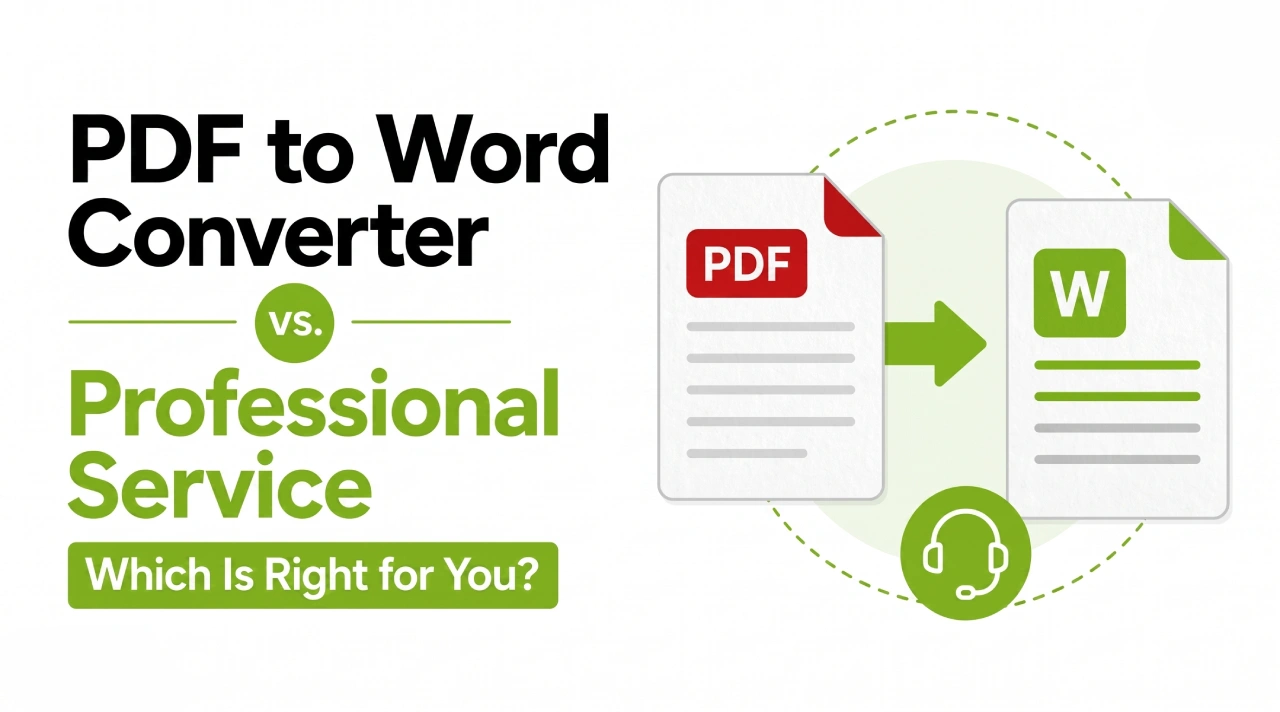
The comparison isn’t really tool versus tool. It’s automation versus a person who reviews the output and fixes what doesn’t come through correctly.
Professional PDF to Word converter services work with the full range of document types. Scanned files with proper OCR and human review. Complex table structures rebuilt correctly rather than approximated. Multi-column layouts preserved. Pages with mixed text and images handled without the images getting displaced or dropped. You get back a document that functions in Word, not one that needs an hour of repairs.
The Formatting Actually Holds
One thing that comes up consistently with businesses using professional conversion is how much time they save on the back end. Not having to reformat after the fact. Not chasing down where a table row went or why a footer is now floating in the middle of page three.
A professional service isn’t just moving text from one container to another. It’s ensuring the document structure, visual hierarchy, spacing, all of it, comes across in a way that’s actually usable. For anything that needs to go in front of a client, into a legal filing, or into a report someone will actually read, that matters.
Scanned and Aged Documents Are Routine
Old financial records that were never digitally native. Legal contracts from years ago stored as physical files and later scanned. Medical records in mixed formats. These come through professional conversion services constantly and they’re handled with a combination of proper OCR technology and human verification. Nobody’s guessing whether the number was a 3 or an 8. Someone checks.
Your Data Stays Where It Should
Confidentiality agreements, controlled file access, encrypted transfer, clear policies on retention and deletion. These are standard operating practice for a reputable professional service. If you’re handling documents that carry any sensitivity, the question of where your files are going isn’t something you should have to wonder about.
Scale Changes the Equation Fast
Ten documents converted with a free tool and a bit of cleanup time is annoying but manageable. Two hundred documents is a different conversation. The time cost of post-processing at that volume is genuinely significant. Professional services handle batch conversion as standard and the output arrives ready to use, not ready to be fixed.
When the Free Tool Is Genuinely the Right Call
Worth saying plainly: there are plenty of situations where a professional service is overkill.
If the document is short, plain text with minimal formatting, and nobody critical is going to see the output, a free converter is fine. If you just need to pull out a paragraph of text and the visual presentation is irrelevant, same answer. One-off personal documents with nothing sensitive inside, low stakes, no reason to overthink it.
The free tool is the right answer when the document is simple, the use case is casual, and errors are easy to spot and fix in a few minutes.
The Cases Where Professional Conversion Is Worth the Cost
Most businesses that end up regretting the free tool route made the same mistake: they looked at the service cost and compared it to zero rather than comparing it to the actual cost of the alternative.
Say your team spends ninety minutes cleaning up a conversion across a batch of PDFs. What did that time cost in real terms? Say a formatting issue slips through into a client document or a legal submission. That’s not just time, it’s a credibility problem. Or take the scenario where a scanned file comes back garbled and someone ends up retyping sections by hand. At any real volume, the numbers turn quickly.
Professional conversion pricing typically works per page or per project. For complex or high-volume work, it’s rarely expensive when you measure it against the alternative properly.
The document is scanned rather than digital. The output is going somewhere that needs to look right. The volume is high enough that cleanup time adds up. The file contains sensitive information. The formatting is complex enough that a tool is likely to destroy it. Any of those is a sufficient reason on its own.
Stellar Data Entry handles PDF to Word conversion with trained staff, proper quality review, and data handling you don’t have to worry about. If you’ve got a batch of files or a specific project, get in touch for a quote.
Frequently Asked Questions
Do free PDF to Word converters work on scanned files?
Some will attempt it, but honestly the results are usually pretty rough. Scanned PDFs are images, not documents with readable text. Getting usable output out of them requires proper OCR paired with a human review pass to catch the errors that software misses. Free tools rarely offer that combination, and the output shows it.
What happens to my document formatting when I use a free converter?
Depends on the document. Plain text with simple paragraphs usually comes through fine. Anything with tables, columns, headers, footers or images has a decent chance of coming out broken in one way or another. The more complex the original layout, the more likely you’ll be spending time fixing it afterwards.
Is uploading to a free converter actually a privacy risk?
Realistically, for most personal or low-stakes documents, probably not a significant one. But for business documents containing client information, financials, employee data, contract terms, or anything confidential, the answer changes. You’re uploading to a third-party server under terms most people don’t read, and data handling policies across these tools vary widely.
How fast is professional PDF conversion?
Varies by provider and the size of the project. Most offer standard timelines alongside faster options for urgent work. If you’ve got a hard deadline, it’s worth contacting a provider directly to find out what’s achievable. Stellar Data Entry works across a range of project sizes and timelines.
What kinds of PDFs give converters the most trouble?
Scanned documents top the list. After that, anything with dense or multi-level table structures, files that mix text and images closely, content in more than one language, and documents with non-standard fonts or unusual page layouts. These are the file types where the gap between a free tool and professional conversion is most visible.
Is it worth hiring a professional service for just one document?
If it’s a straightforward one-pager with minimal formatting, probably not. If it’s a scanned contract, a multi-page report with complex tables, or anything containing confidential information, the calculus shifts. Most providers will quote on single documents, so asking costs nothing.
If your documents are too important to risk on a free converter, Stellar Data Entry provides professional PDF to Word conversion with accurate formatting, OCR-backed scanned file handling, and full data confidentiality. Reach out to talk through your project.